 MARGMOCOTH CBT
Secure sign-in
Sign in with your name, matric number or email and your own password. Only registered students get in.
The official exam portal of Margaret Mosunmola College of Health Science and Technology, Owo. Sign in with your name, matric number or email, enter your access code, write your exam on your phone or computer, and see your results here when the college releases them.
Registration is closed right now. Use the registration link from your department, or ask the examination office.
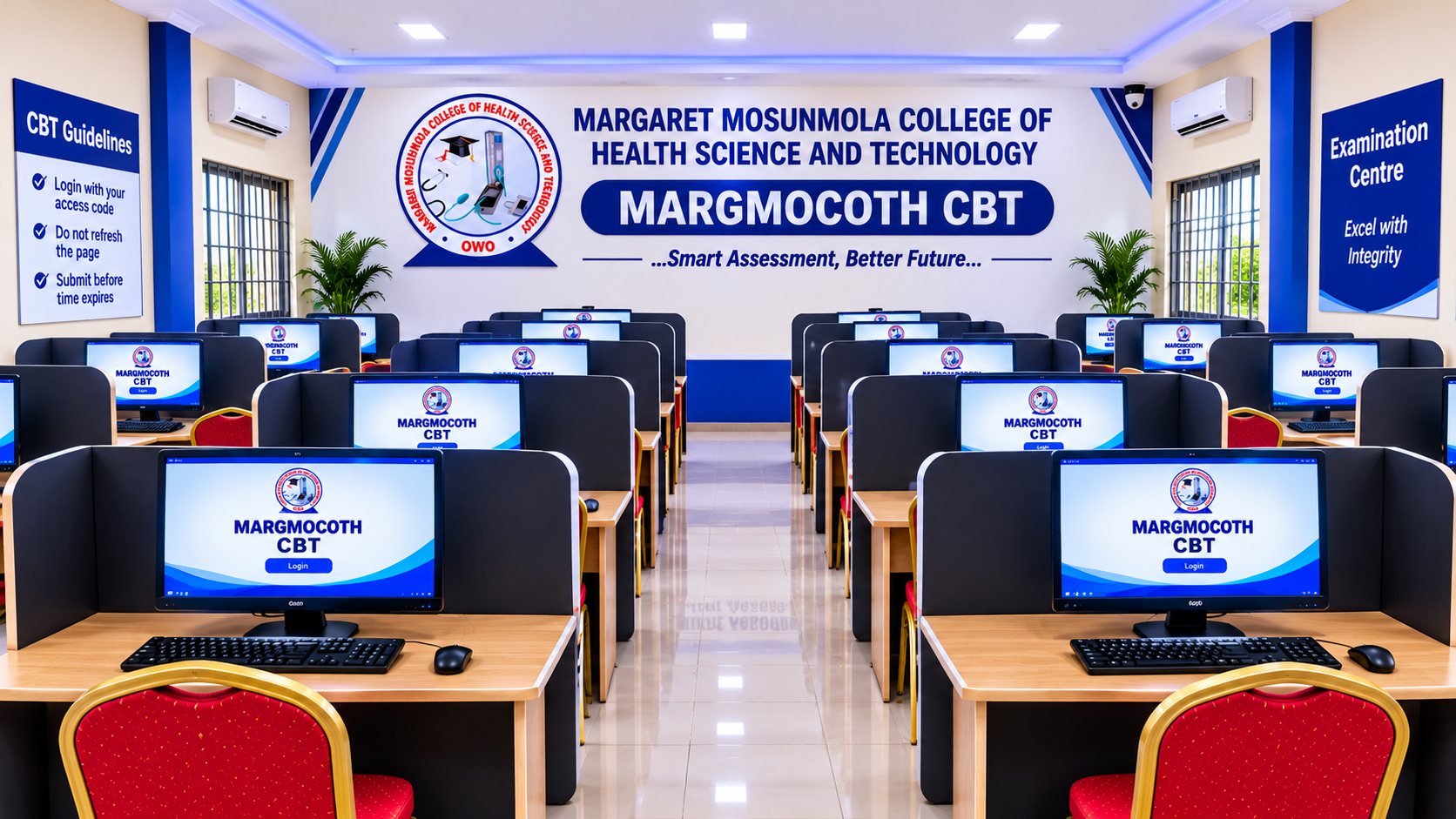
The portal handles sign-in, exam access, timing, monitoring and results in one place.
Sign in with your name, matric number or email and your own password. Only registered students get in.
Your lecturer gives you a code on exam day. Without it, the exam stays locked.
See your time left while you answer. When time is up, your exam is submitted automatically.
The portal watches for rule breaking, such as leaving the exam page, so every student gets a fair chance.
If your internet drops and returns, it is logged as a network issue, not as cheating.
Once the college releases your results, view them from your dashboard anytime.
You only need a phone or computer with internet and your sign-in details.
Enter your name, matric number or email, plus your password.
On your dashboard, choose the exam available to you.
Type the code from your lecturer to unlock the exam and start the timer.
Answer before the timer ends, then submit. Results show when the college releases them.
A few simple habits keep your exam smooth and free of problems.
Excel with Integrity
Choose your department and level exactly as the college registered you when you create your account.
Your full name, your matric number or your email, together with your password. Matric numbers and emails are not case-sensitive.
Check your spelling, or try your matric number or the email you registered with. If you have not registered yet, use the registration link from your department or ask the examination office.
On the login page, tap “Forgot password?” and enter your name, matric number or email. The examination office will set a new password for you. Do not share your password with anyone.
Sign in with your matric number or email instead. Those are unique to you.
Check your internet connection, then refresh the page.
Your lecturer gives the access code for each exam. Ask them before the exam starts.
Reconnect and continue. The portal records it as a network issue. Tell your lecturer if the problem continues.